Overview
DroneDeck
An autonomous indoor drone that inspects the site it is deployed in
Fall 2026 · Team 18
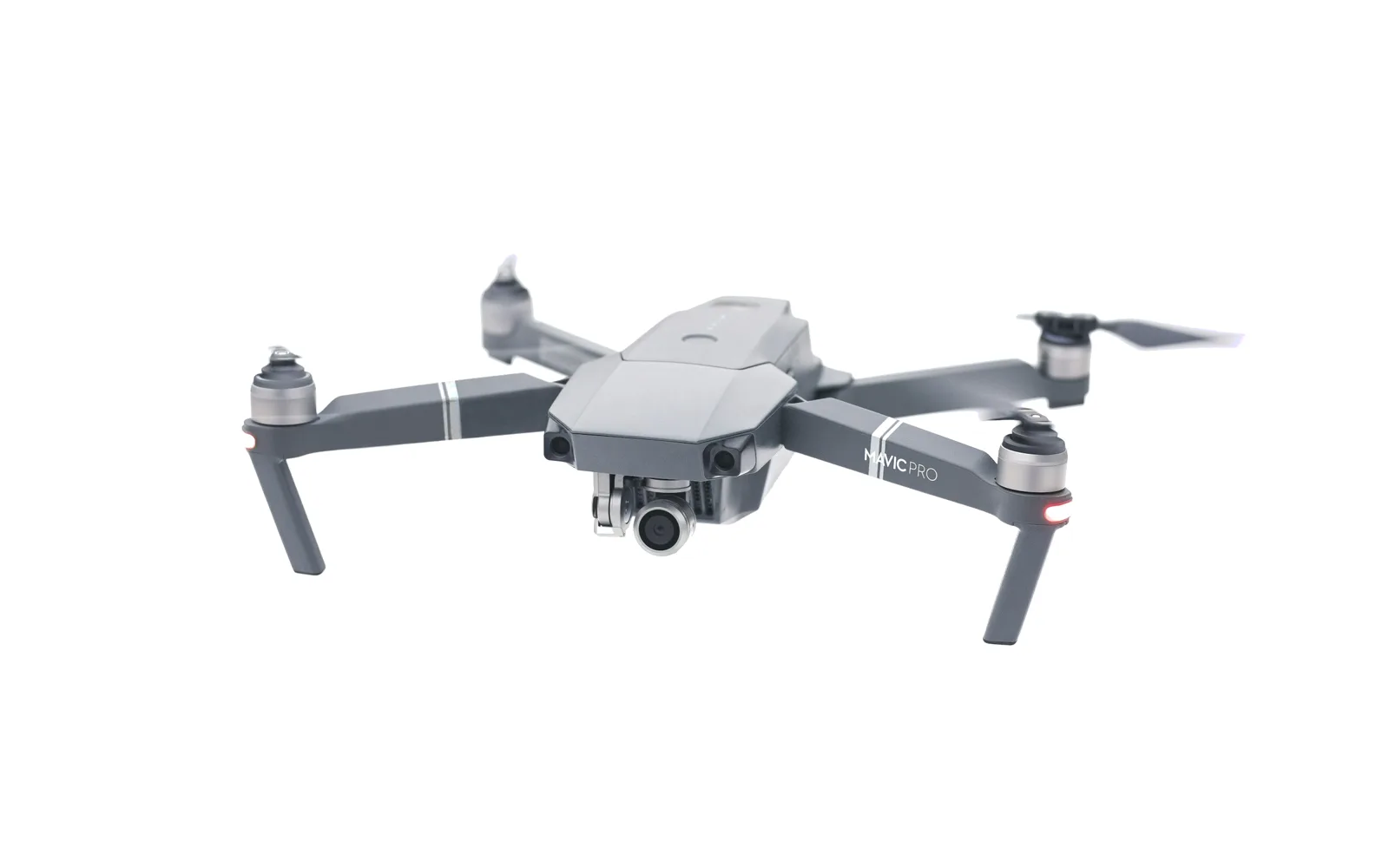
What DroneDeck is
DroneDeck is an inspection system built around a Crazyflie 2.1 — a palm-sized quadcopter — for indoor spaces full of equipment worth watching: a plant room, a warehouse, a lab. Deployed there, it takes off by itself, flies a planned route from one inspection point to the next, records temperature, pressure and a greyscale image at each, and lands where it started. A pipeline then compares what it recorded against normal operating limits and against images of healthy equipment, and anything that looks wrong is flagged on a dashboard with the reason.
Two apps carry it. The desktop app runs on the laptop the radio is plugged into and is the only thing that flies the drone — manually from the keyboard, or through an autonomous mission. The website is the record: public pages about the project, and a signed-in dashboard with every flight, its readings and images, comparisons over time, and a mission planner.
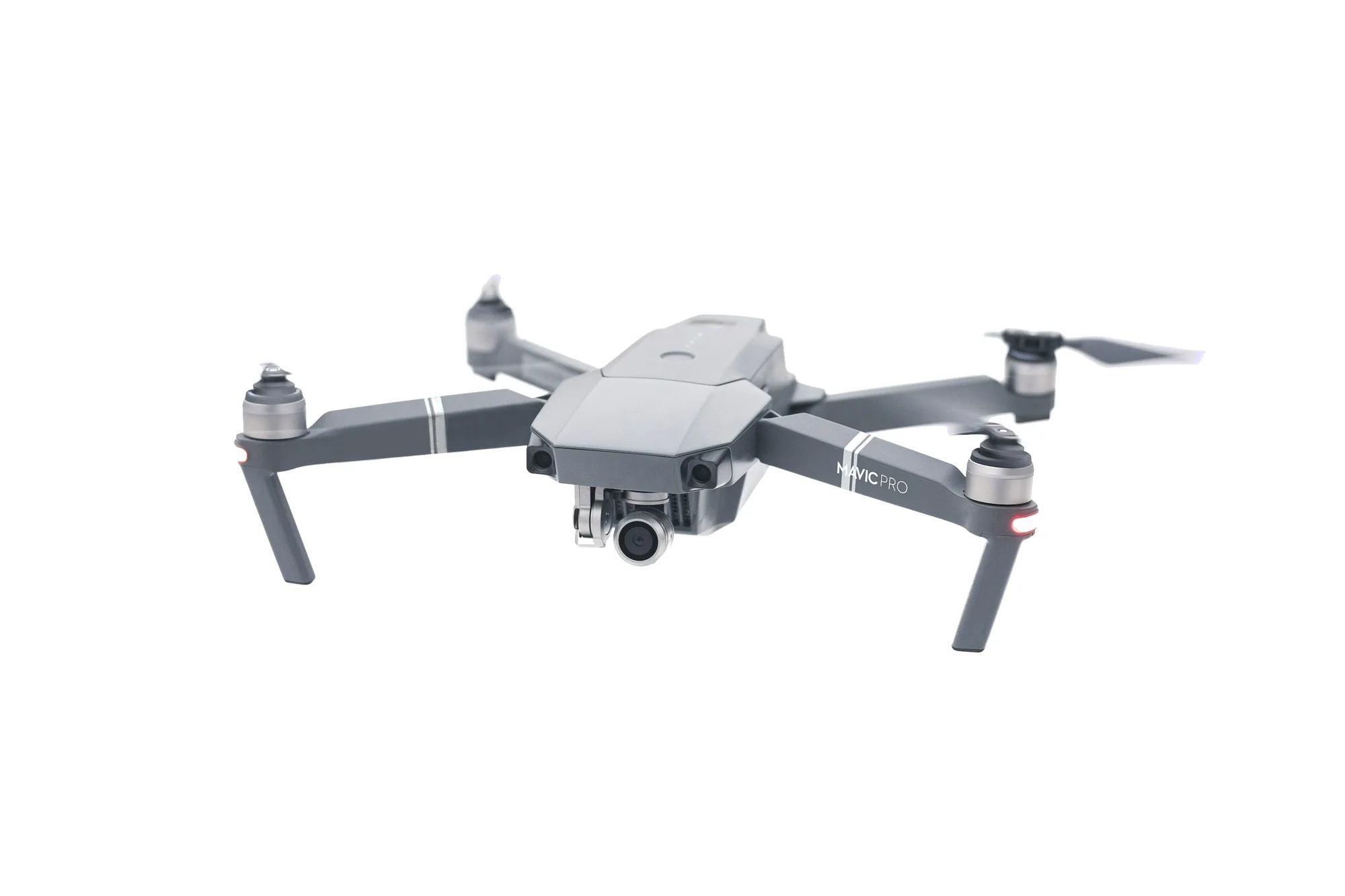
The constraint everything follows from
The Crazyflie is commanded through the Crazyradio, a USB dongle. Only the computer it is plugged into can talk to the drone — no website or cloud service can reach it. So one program on that laptop, the flight agent, owns the radio, and nothing else ever touches it. The desktop app talks to the agent on the same machine; the agent writes every flight to disk first and uploads it to the database afterwards, where the website reads it.
Piece | Built with | Runs on |
Drone | Crazyflie 2.1 · Lighthouse deck · AI deck (camera) | The flight area |
Flight agent | Python 3.11 · FastAPI · cflib | The laptop with the Crazyradio |
Desktop app | Tauri v2 · React 19 · TypeScript | The same laptop |
Website and dashboard | Next.js 16 · React 19 · Tailwind v4 | Vercel |
Database | Supabase — Postgres, row-level security, Auth, Storage | Supabase cloud |
The six parts
Our planning document divides the work into six parts. Each has its own page — what it does, every user story in it with its owner and estimate, how it was built or how we will build it, and what is left:
1 · Apps, manual flight and live view — built: the desktop app and the website, sign-in, keyboard flight, live sensors and camera, flight history, pre-flight checks, a one-command install.
2 · Autonomous flight and navigation — in progress: the virtual fence and route planner are built; the first autonomous flights are Sprint 1.
3 · Data collection — in progress: readings and images are recorded and uploaded; capture at each inspection point comes next.
4 · Anomaly detection and alerts — in progress: training data, data cleaning, image enhancement and the first classifier start in Sprint 1.
5 · Documentation — in progress: the setup guide is on this site; the operating and waypoint guides follow.
6 · Testing and experiment design — in progress: the test boxes, reference instruments and a hand-warmer fault.
The team's design document — architecture diagram, component table and interface sketches — is its own page: Design Document.
Who does what, and how much time there is
Weeks run Monday to Sunday, from 28 September to 13 December: five two-week sprints, a Thanksgiving week and a final week. Everyone works at least 12 hours a week — Kevin 15 — and Hannah and Reagan 10 in Thanksgiving week.
Person | Leads | Hours a week | Semester total |
Hannah Alexander | Autonomous flight | 12 (10 at Thanksgiving) | 130 |
Reagan Gary | Anomaly detection | 12 (10 at Thanksgiving) | 130 |
Kevin Loi | Data collection | 15 | 165 |
Yordanos Tessema | Documentation | 12 | 132 |
Samuel Zih | Apps, manual flight and live view | 12 | 132 |
That is 689 person-hours across 41 user stories: 34 in the minimum viable product and 7 stretch goals. Testing is shared.
Where it stands
Stage | When | What |
Sprint 0 — done | 16–27 Sep | The apps and the flight software under them; 13 user stories built |
Sprint 1 — now | 28 Sep – 11 Oct | Positioning measured, first A→B flights, test rig, data cleaning, first classifier |
Sprint 2 | 12–25 Oct | Return to base, capture at each point, one pipeline, alerts with reasons |
Sprint 3 | 26 Oct – 8 Nov | Missions from the website, alerts on the dashboard, full mission end to end |
Sprint 4 | 9–22 Nov | Waypoint guide; first stretch goals |
Thanksgiving | 23–29 Nov | Lighter week |
Sprint 5 | 30 Nov – 6 Dec | Remaining stretch goals |
Final | 7–13 Dec | Demo and hand-over |
Sprint 0 and Sprint 1 are as written in the plan. The later sprints give the order the remaining stories are planned in; the date of every task is in our Jira timeline.
The planning document
Everything on these pages traces to it: the person-hours table, the full backlog with acceptance criteria, the Gantt chart and the Sprint 1 backlog. Read the Project Management Planning document (PDF).
The code, and a working record of every decision and measurement behind it, is at github.com/samsmoak/drone-capstone.